
For parents on the road
Don't miss bedtime. Call the living room.
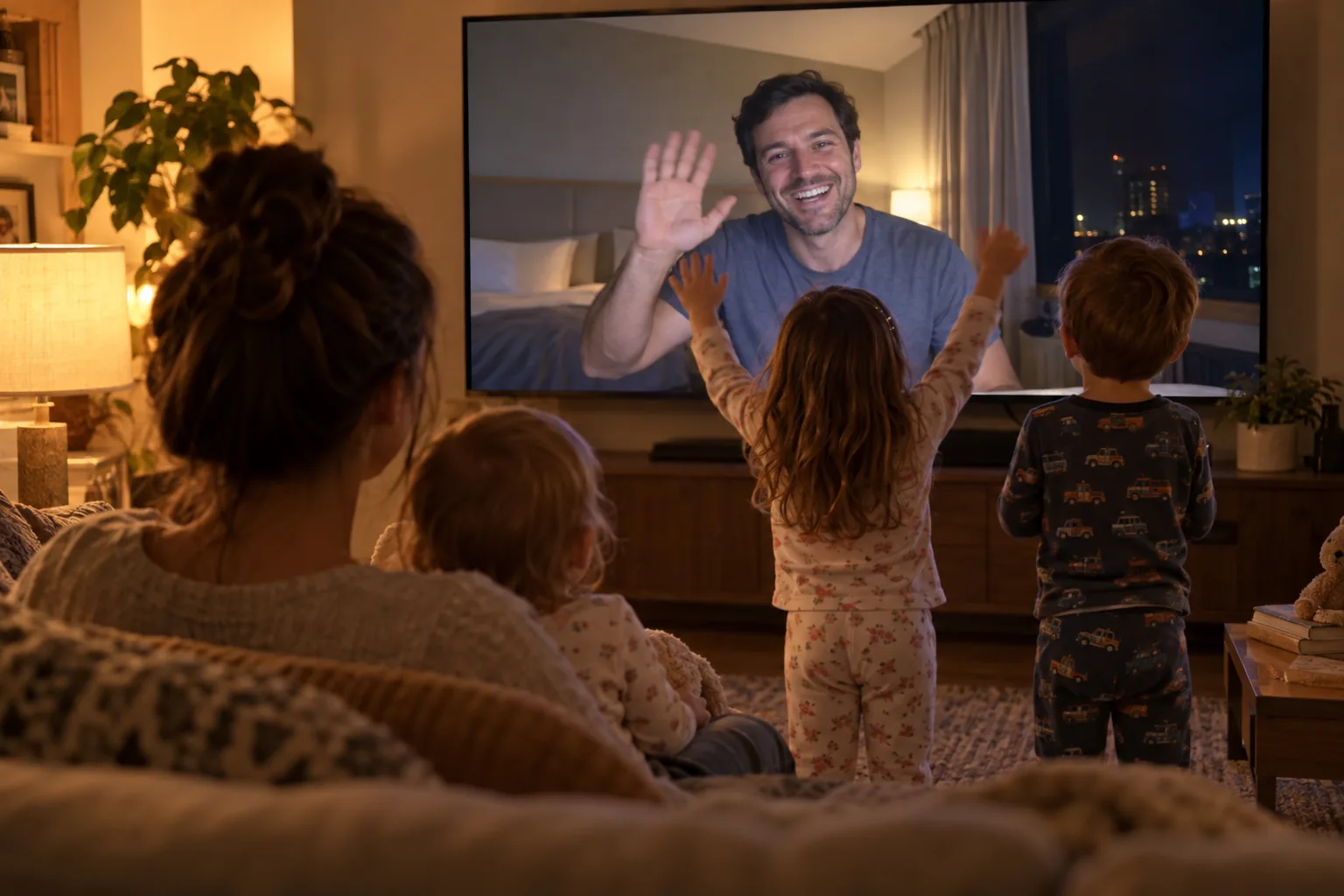
Phone calls with little kids last about a minute. They wander off, they want the phone, somebody cries. Call the TV instead, and you're in the room: the kids run up to you, show you everything, and you get the whole bedtime, not a blurry minute of it.
Call from the FamilyView app or any web browser. Cancel anytime.
Why the TV changes the call
Kids don't do phone calls. They do visits.
On a phone, a five year old sees a tiny face and gets bored. On the TV, they see Dad, big, in the room, looking right at them. They show you the drawing. They do the dance. The baby crawls up to the screen. They stay.
And nobody at home has to be the phone holder. Your partner gets to sit on the couch with the kids, in the picture, instead of chasing everyone around with a phone held at arm's length.
I travel for work and I'm gone all the time. When I called the kids, they just wanted to play the games on the phone, not talk to me. FamilyView takes away the games and the one person on the screen, and gives the conversation back to the family. Now everyone is there, just like when you walk into the room.
Your routine from anywhere
Bedtime from the road, every night.
- 1
Call the TV, not a phone
Open FamilyView on your phone or laptop and press the living room TV. It rings at home and the family comes to it.
- 2
Read the story
Hold the book up to your camera, or just tell one. The kids can see you clearly from the couch, and you can see all of them.
- 3
Leave a message for the morning
Record a quick video message before you sleep. It waits on the family TV, and the kids can play it with breakfast.
For families that live in more than one place
Built for the way you actually live.
Travel and deployments
Hotels, job sites, the other side of the world. If you have an internet connection, you can be in the living room.
Two homes
Shared custody? The Multi-House plan covers up to four households, so the kids can call the other house's TV just as easily.
Messages when the time zones are wrong
Record a video message and send it to the family TV, one person, or everyone. It plays full screen whenever they are awake.
Questions from parents on the road
What do I need to call from a hotel?
The FamilyView app on an Android phone, or any web browser at familyviewtv.com, and an internet connection.
What does the family need at home?
A Samsung smart TV from 2022 on with the Samsung Slim Fit Cam, a small camera that clips onto the top of the TV.
Does the call use a lot of data?
Video calls adjust to your connection. On a slow hotel connection the picture steps down to keep the call going instead of freezing.
What does it cost?
Calls to the TV are on the Family plan, $14.99 a month for the whole family. Two or more homes: Multi-House, $34.99 a month for up to four households.
Be home for bedtime tonight.
Set up the living room TV before your next trip. Month to month, cancel anytime.