
Samsung TV video calling
Can you video call on a Samsung TV? Yes.
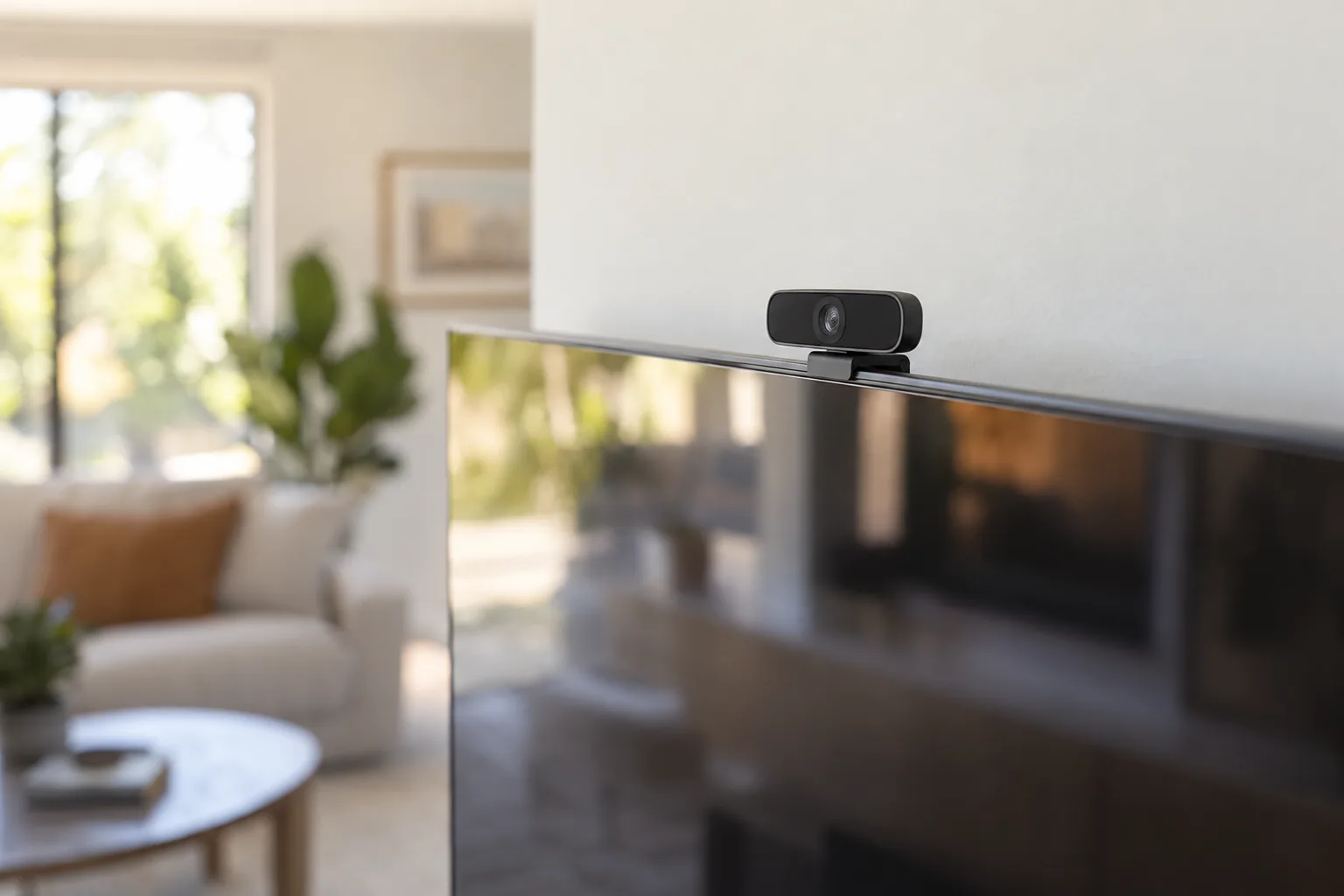
Put FamilyView on your Samsung TV, clip the Samsung Slim Fit Cam onto the top of the TV, and your TV becomes the family video phone. Your family calls it from their phones or a web browser, and calls can go TV to TV between two homes.
Works on Samsung smart TVs from 2022 on.
Have a Slim Fit Cam in a drawer?
Your camera has a job again.
Lots of Samsung TV owners bought the Slim Fit Cam for video calls, and then found there was nothing on the TV to call with. FamilyView is that app. Plug the camera in, install FamilyView, and the camera you already own becomes the family's video phone.
The camera is still yours and still works with your TV's other features. FamilyView doesn't lock it to anything; it's just the app that makes it ring.
Set up in about five minutes
How to video call on your Samsung TV
- 1
Attach the Samsung Slim Fit Cam
Clip it onto the top center of the TV and plug its cable into a USB port on the TV. If your TV has the camera already, skip this step.
- 2
Install FamilyView on the TV
FamilyView is coming to the Samsung TV app store. Start free today and we'll let you know the moment you can install it on your TV. Once it's on, the TV shows a short pairing code.
- 3
Pair the TV with your family
On your phone (the FamilyView app) or at familyviewtv.com, choose Pair a TV and enter the code. The TV joins your family.
- 4
Call it
Press the TV's name in the app. It rings in the living room, and the whole room is on the call.
What you need
Will it work with my TV?
| You need | Details |
|---|---|
| A Samsung smart TV | 2022 models and newer |
| The Samsung Slim Fit Cam | Clips onto the top of the TV, plugs into USB. About $100, and it is yours to keep. |
| Internet at home | Home Wi-Fi or a wired connection |
| Someone to call | Family members call from the FamilyView Android app, any web browser, or another TV with FamilyView |
Samsung TV video calling, answered
Does a Samsung TV have a built-in camera for video calls?
Most Samsung TVs do not have a camera built in. The Samsung Slim Fit Cam adds one: it clips onto the top of the TV and plugs into USB.
Which Samsung TVs work with FamilyView?
Samsung smart TVs from 2022 on, with the Samsung Slim Fit Cam.
Can I call my Samsung TV from my phone?
Yes. Install the FamilyView app on your Android phone (or use familyviewtv.com in any browser), pair the TV once, and press its name to call it.
Can two Samsung TVs call each other?
Yes. Put FamilyView on both TVs in the same family, and each one can call the other: your living room to grandma's living room.
What else can I do with the Slim Fit Cam on FamilyView?
Family video calls, video messages that play on the TV, photos shared to the TV, and watching a baby monitor on the big screen.
How much is it?
FamilyView is free to start. Calls to the TV are on the Family plan, $14.99 a month for the whole family, month to month.
Turn your Samsung TV into the family video phone.
Install FamilyView on the TV, pair it with a code, and make the first call tonight. No box to rent, cancel anytime.