
For families who live far apart
Be in Mom's living room tonight.
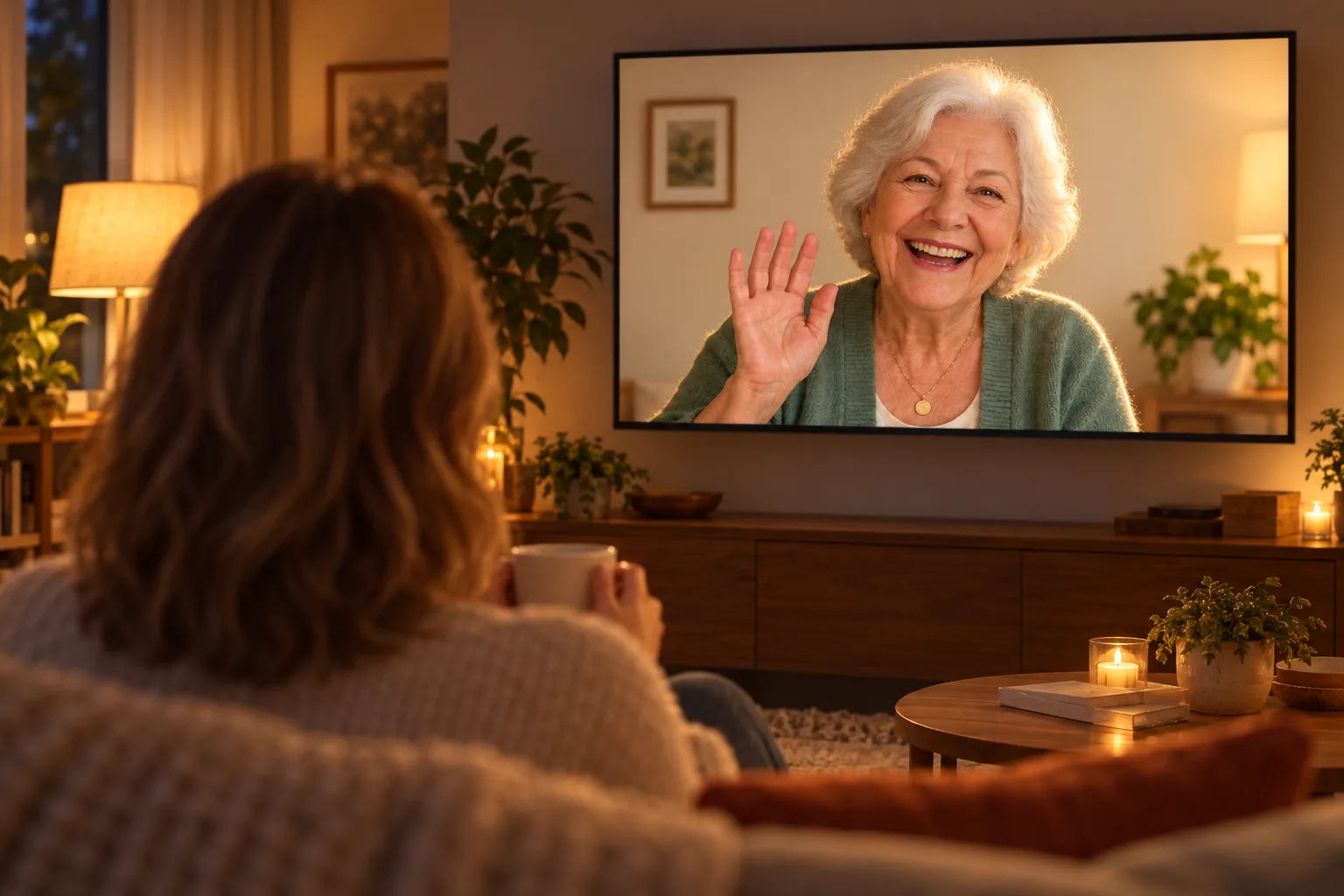
You call. Her TV lights up. There you are, life-size, sitting across the room from her. No phone for her to hold, no app for her to figure out, no tiny face on a tiny screen. Just a visit.
Works on Samsung smart TVs from 2022 on with the Samsung Slim Fit Cam. No box to rent. Cancel anytime.

The call you keep meaning to make
The phone call that turns into a visit.
You know the call. Thirty seconds of "Can you hear me?" Her thumb over the camera. The phone sliding off the arm of the chair. You hang up knowing as much as you did before you called.
On her TV it is different. She sees you the way she would if you walked in the door: the whole of you, big enough to read your face. And you see her. Her color. Her room. Whether the mail is piling up. Whether she is moving like herself.
That is the part a phone call never gave you. You get to look, and you get to stay a while.
Made for the person on the other end
Nothing for her to learn.
Her own TV
No new screen, no tablet in a drawer, no gadget to charge. FamilyView is an app on the Samsung TV she already watches every day.
You do the setting up
Pair her TV once with a short code, from your phone or from our website. Add the family. She doesn't have to touch a thing.
Her face, not a thumbnail
Big enough that she can see the grandkids clearly, and you can see how she really is. The whole family fits in the frame, on both ends.
A camera she owns
The Samsung Slim Fit Cam clips onto the top of her TV and plugs in once. It's hers, not ours, and it works with her TV's other apps too. There is no box to rent and nothing to mail back.
Something new on the screen every day
Share a photo from your phone and it lands on her TV. When nobody is calling, her TV becomes a slideshow of the family's latest pictures.
The camera you buy isn't only for us. It's yours to use for whatever you want. We're the app that turns it into a family phone.
Set it up this weekend
Three steps, and the first call is tonight.
- 1
Get the camera onto her TV
The Samsung Slim Fit Cam (about $100) clips onto the top of any Samsung smart TV from 2022 on and plugs into a USB port. If you're not there, anyone who visits her can do this part in a minute.
- 2
Install FamilyView on her TV
FamilyView is coming to the Samsung TV app store. Start free today and we'll let you know the moment it's ready to install. On her TV it shows a short pairing code.
- 3
Pair it from your phone and call
Enter the code in the FamilyView app or on familyviewtv.com, add the family, and press Call. Her TV rings. You are in her living room.
Why the TV
What changes when the call is on her TV.
| A phone or tablet call | A FamilyView call on her TV | |
|---|---|---|
| What she has to do | Find the phone, unlock it, answer, hold it up, keep it steady | Press OK on the remote she already uses |
| What you see | One face, often a forehead | Her and the room around her |
| What she sees | A small picture she has to hold at arm's length | You, life-size, across the room |
| The grandkids | Fighting over who holds the phone | All of them in the frame at once |
| Equipment | Whatever she already struggles with | Her own TV and a camera she owns |
What families ask before they start
Will it work on her TV?
FamilyView works on Samsung smart TVs from 2022 on with the Samsung Slim Fit Cam, which clips onto the top of the TV and plugs into a USB port.
Does she have to press anything to answer?
Her TV rings and she presses OK on the remote she already uses every day.
Who can call her TV?
Only the people in her family on FamilyView. Nobody else can reach her TV.
What do I need on my end?
The FamilyView phone app on Android, or a web browser at familyviewtv.com. You can call her TV from either.
Is there a box to rent or send back?
No. The camera is a Samsung product she owns, and FamilyView is an app. If you stop, there is nothing to return and no fee.
What does it cost?
Calls to the TV are on the Family plan, $14.99 a month for the whole family. Month to month: cancel anytime from the app or the website.
What about her privacy?
Calls stay inside your family. One-to-one video calls are end-to-end encrypted. There are no ads, and we never sell anything about your family.
The next time you call, see her.
No box, no contract, nothing to send back. Set up her TV this weekend and be in her living room tonight.