
Baby monitors
Can I watch my baby monitor on my TV?
Yes, in one of three ways: mirror your phone's screen to the TV, use a monitor that has its own TV app, or use a phone-camera monitor like FamilyView that shows the nursery on a Samsung TV. The right one depends on your TV, your monitor, and whether you still want your phone free while the baby is on the screen.
Updated October 26, 2026
Why parents want it
You finally sit down, and you are still staring at a phone.
The baby is down. You have an hour, maybe two, and you would like to spend it on the couch with a show. But the monitor is a small screen in your hand or propped on the coffee table, and every few minutes you pick it up to look. Half of the evening goes into checking.
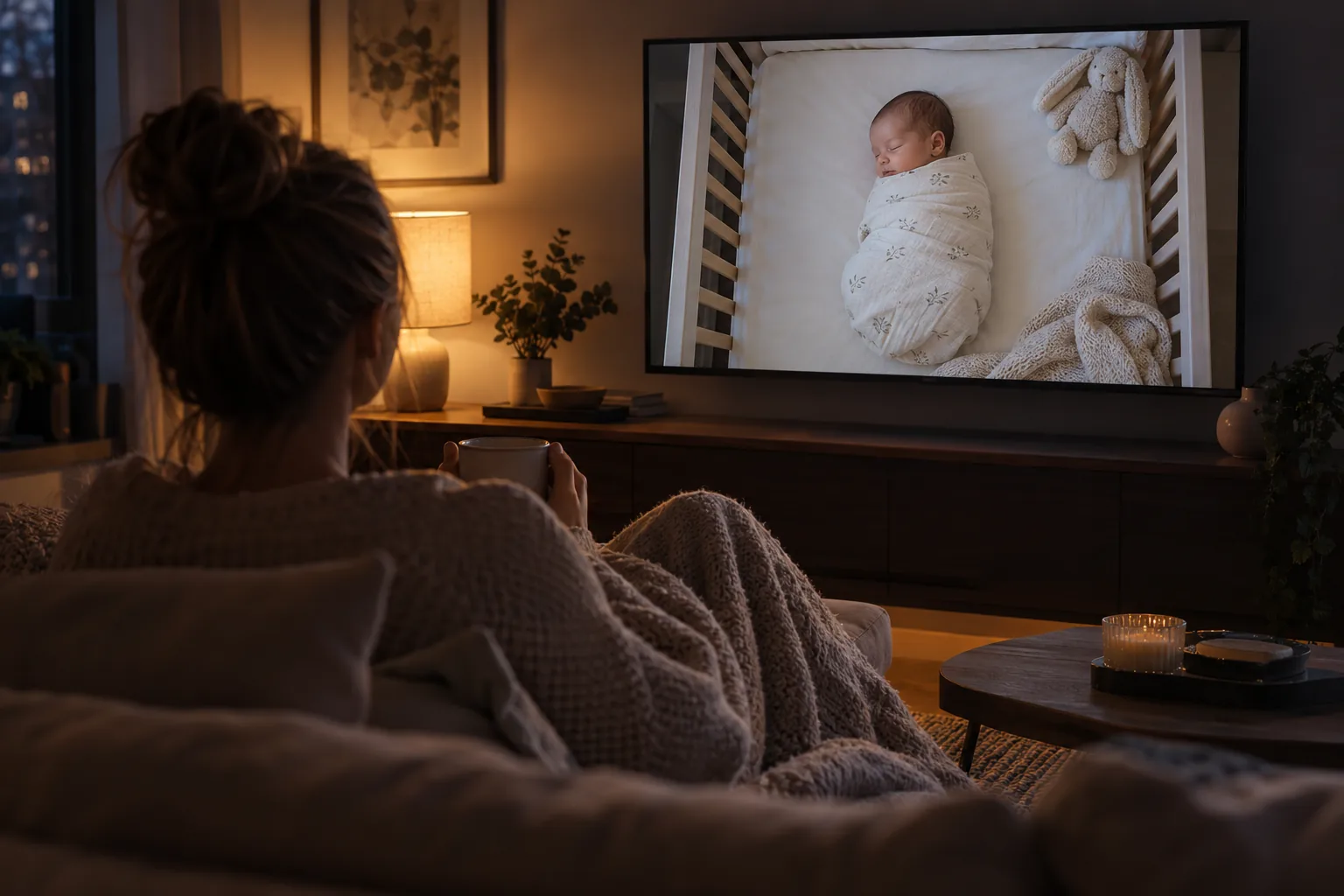
Putting the nursery on the TV changes that. The picture is big enough to see the baby breathe from across the room. Your partner can see it too, without passing a phone back and forth. And your phone is free again for whatever you want to do with it.
There are three ways to get there. Each one works, and each one has trade-offs worth knowing before you buy anything.
Compare
Three ways to watch the nursery on the TV
| Mirror your phone to the TV | A monitor with its own TV app | FamilyView on a Samsung TV | |
|---|---|---|---|
| How it works | Your phone sends its whole screen to the TV | The monitor company makes an app for some TVs or streaming sticks | A spare Android phone is the camera, and the nursery shows on the TV |
| What you need | A TV and phone that support screen mirroring | That brand of monitor and a supported TV or stick | A Samsung TV from 2022 on, a spare Android phone, home Wi-Fi |
| Your phone while watching | Tied up, it has to stay on the monitor screen | Free | Free |
| Sound | Usually plays through the TV | Depends on the app | Plays through the TV |
| Talk back | Through the phone app, if it has it | Depends on the brand | Yes, from your phone |
| Cost | Free if your gear supports it | Depends on the brand | Free on home Wi-Fi, 8 hours a day |
Check your own TV and monitor before you rely on any of these. Features change by model.
Step by step
How to put the baby monitor on your TV
- 1
Get the camera in a safe spot first
Before you think about the TV, get the camera right. Keep the camera and every cord at least three feet from any part of the crib, and never inside or on the edge of the crib (CPSC). Mount it high and angle it down so the TV will show the whole mattress.
- 2
Decide which way fits your home
If your monitor app already works on your phone and your TV supports mirroring, start there; it costs nothing to try. If you want your phone free, look for a monitor with a TV app that works on the TV you own. If you have a Samsung TV from 2022 or newer and a spare Android phone, FamilyView puts the nursery on the TV directly.
- 3
Connect the TV and the monitor to the same home Wi-Fi
Mirroring and most home setups need both devices on the same network. If the nursery is far from the router and the picture stutters, move the router or add an extender before blaming the TV.
- 4
Turn off the TV's extras you do not need
The FTC suggests finding your TV's tracking settings and changing them to match your privacy preferences, and turning off features you won't use (FTC). It is worth five minutes on a screen that will show your nursery.
- 5
Test with the lights off
Put the baby down for a nap, turn the nursery lights off, and watch from the couch. Check that you can see the whole crib and hear a soft sound in the room. Then try talking back at a low volume, if your setup has it.
- 6
Keep a backup in your pocket
The TV is for the evening on the couch. When you go to the kitchen or upstairs, you still want the monitor on your phone. Make sure the same monitor works on both.
Good habits
What to keep in mind with the nursery on the big screen.
Know who else can see it
A picture on the living room TV is visible to anyone in the room. If you have guests over, pause the camera or switch inputs.
The monitor is not the safety plan
Safe sleep comes first: on the back, on a firm flat surface, in a crib with only a fitted sheet (AAP). A monitor helps you see; it does not lower SIDS risk.
Keep TVs in the living room
The AAP suggests keeping screens, including TVs, out of children's bedrooms (HealthyChildren.org). The monitor camera lives in the nursery; the TV that shows it should not.
Mind the brightness
A bright nursery picture on a big screen at night is a lot of light. Turn the TV's brightness down for evening watching.
Where FamilyView fits
The nursery on your TV, and nobody else's eyes on it.
Watching the baby should not mean holding a phone all evening. With the FamilyView baby monitor, any spare Android phone is the camera, and you watch on the living room Samsung TV (2022 and newer, with FamilyView), on your own phone, or in any web browser.
FamilyView is coming to the Samsung TV app store. Start free today and you can watch on your phone and the web right away.
From the couch you see the whole crib, and you can hold a button on your phone to talk, so your voice plays in the nursery. Luna Tunes lullabies play in the room, and you can record your own voice between songs. The monitor shows who is watching at every moment, and one tap pauses the camera.
Only your family can watch. No ads, no public feed, nothing sold. On home Wi-Fi it is free for 8 hours a day, forever. If you want the monitor to follow you when you leave the house, the Family plan is $14.99 a month (and every new family can watch from anywhere free for its first 30 days); details are on the pricing page.
Questions about watching the monitor on TV
Can I cast my baby monitor app to my TV?
Often, yes. If your phone and TV both support screen mirroring and are on the same Wi-Fi, the monitor app's screen can show on the TV. The catch is that your phone usually has to stay on that screen the whole time.
Which TVs can show the FamilyView monitor?
Samsung smart TVs from 2022 and newer, with FamilyView. FamilyView is coming to the Samsung TV app store. You can also watch on any phone or web browser.
Will I hear the baby through the TV?
With mirroring and with FamilyView, the nursery sound plays through the TV speakers, so keep the volume up enough to hear a cry over your show.
Can I talk to the baby from the TV?
With FamilyView you hold a button on your phone and your voice plays in the nursery, while the picture stays on the TV.
Is it safe to have the nursery camera on a smart TV?
Check two things: who can watch the camera, and what the TV itself tracks. The FTC suggests setting your TV's tracking settings to match your privacy preferences (FTC). With FamilyView, only your family can watch, and the monitor shows who is watching.
Sources
- Infants and Toddlers Can Strangle in Baby Monitor Cords (CPSC Publication 5066), camera and cord placement
- A Parent's Guide to Safe Sleep (AAP, HealthyChildren.org), safe sleep basics
- Healthy Sleep Habits: How Many Hours Does Your Child Need? (AAP, HealthyChildren.org), screens out of children's bedrooms
- Securing Your Internet-Connected Devices at Home (FTC), smart TV tracking settings and camera security
Tonight, watch the baby from the couch.
Set up the free monitor with a phone you already own. Free on home Wi-Fi forever, no ads, and only your family can see it.