
For grandparents
The easiest way for grandparents to video chat on their TV
The easiest way is a camera on the TV they already watch, plus an app that lets the family call that TV, so all grandma or grandpa does is press one button on the remote they already know. The family does the setup from their own phones, and nobody at the grandparents' end has to learn a new gadget.
Updated October 26, 2026
Why the TV
Phones were not made for grandma's living room
If you have ever spent the first five minutes of a video call looking up grandpa's nostrils, you know the problem. Small screens, tiny buttons, a phone held at arm's length that slowly drifts toward the ceiling. Then the grandkids crowd around one phone on your end, and everyone sees a blur of elbows.
Grandparents rarely complain about it. They just call less, and say "I don't want to be a bother." Meanwhile they are missing the first wobbly steps and the gap-toothed grin. According to AARP research, about a third of grandparents live more than 50 miles from their closest grandchild, so for a lot of families a screen is the only way to see each other most weeks.
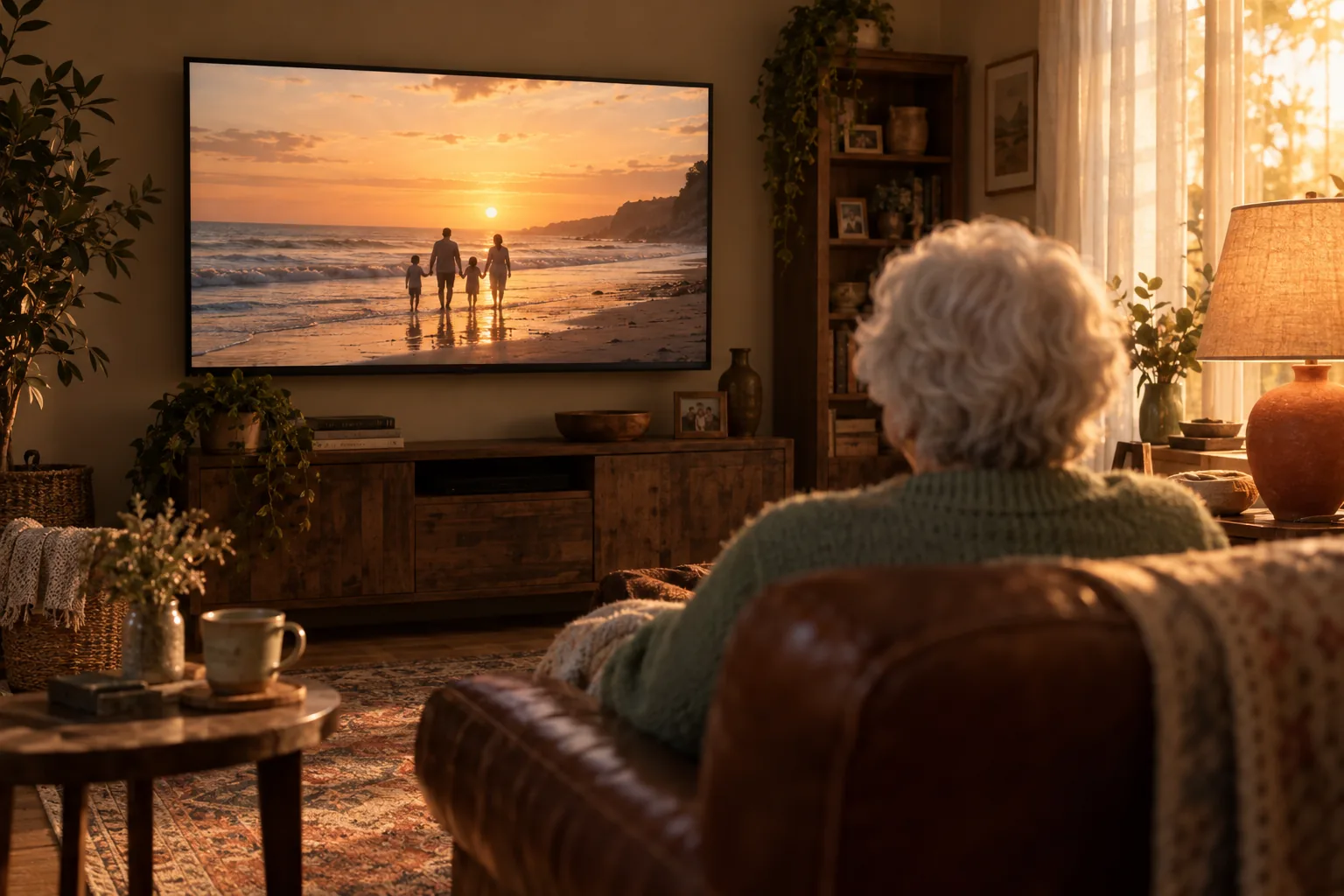
The TV fixes most of this. It is big, it is already in their favorite room, it sits at eye level, and they already know how to use the remote. Add a camera and the right app, and the TV becomes the easiest video phone they will ever use.
Compare the options
Video chat options for grandparents, side by side
| Option | What grandma has to do | Screen size | Whole family in view? |
|---|---|---|---|
| Smartphone video call | Unlock the phone, find the app, answer, hold it steady the whole time | Small | Hard: everyone squeezes into one phone |
| Tablet on a stand | Keep it charged, find the app, answer by tapping the screen | Medium | Sometimes, if it is propped up well |
| Smart display with a camera | Depends on the device and its settings | Small to medium | Sometimes |
| TV with a camera and calling app | Press OK on the TV remote when it rings | Large | Yes: the camera sees the room |
Every option can work. What matters most for grandparents is fewer steps to answer, a screen big enough to see faces, and no device to keep charged.
How to set it up for them
Set up TV video chat for your parents in one visit
- 1
Check their TV
Look up the model year in the TV's settings. Calling apps and cameras are made for particular brands and years. For Samsung smart TVs from 2022 on, the Samsung Slim Fit Camera is the camera to get.
- 2
Put the camera on top
Clip the camera to the top center of the TV and plug it into a USB port. Tuck the cable away so it does not get pulled.
- 3
Install the calling app and link it to the family
Do this part yourself, on a visit or with a sibling who lives nearby. A good app shows a short code on the TV that you enter on your phone. No passwords for your parents to remember.
- 4
Add everyone who will call
Invite the siblings, the grandkids old enough to have phones, and anyone else who should be able to ring the TV. Only people you add should be able to call.
- 5
Practice once, together
Have someone call while you sit next to grandma. Let her press the button herself. One success with you beside her does more than any written instructions.
- 6
Write a note for the fridge
Something like: "When the TV rings, press OK." Big letters. That is the whole manual.
Make it a habit
Tips that make grandparent calls something everyone looks forward to
Same time every week
A standing Sunday call means grandma can look forward to it and nobody has to organize anything.
Short is fine
In an AARP study of grandparents of young children, most video visits lasted under 30 minutes and still felt meaningful. Five minutes of waving counts.
Parents help the little ones
The same study found parents often point the child's attention to the screen and ask questions to keep things going. Small kids need a guide on the call.
Show and tell
Kids bring a drawing, a new toy, the lost tooth. Grandparents bring the photo album or the garden tomatoes. Objects give everyone something to talk about.
A special goodbye
AARP's researchers suggest ending each call the same special way. A family wave, a silly phrase, a kiss to the screen. Kids remember rituals.
Fill the time between calls
Photos and short videos sent during the week give grandparents something to ask about on Sunday, and the kids feel seen.
Built for exactly this
How FamilyView keeps it simple for grandparents
FamilyView turns a Samsung smart TV (2022 models and newer) into a family video phone with the Samsung Slim Fit Cam, a small camera that clips onto the top of the TV and plugs into USB (about $100, and they own it). FamilyView is an app, not a box: nothing to rent, nothing to return.
The family calls the TV from the FamilyView Android app or any web browser at familyviewtv.com. The TV rings and grandma presses OK on the remote she already uses. The whole room is in the picture, so she sees everyone at once and nobody holds a phone. Every family member has a tile on the TV with a Call button, so she can call you too. If you both have FamilyView on your TVs, your living room can call hers.
Between calls, photos you share from your phone land on her TV, and when nobody is calling the TV becomes a slideshow of the family. Video messages up to 2 minutes play full screen, so the grandkids can send a goodnight.
Only family can call, one-to-one calls are end-to-end encrypted, there are no ads, and nothing about your family is sold. Calls to the TV are on the Family plan at $14.99 a month for everyone, month to month, cancel anytime. Show your parents the page we wrote for them: FamilyView for grandparents.
Questions families ask
What is the simplest video calling device for elderly parents?
Usually the one with the fewest steps to answer and nothing to charge. A TV they already use, with a camera and a calling app, needs only one button press on the remote.
Can my parents video chat on their TV without a smartphone?
Yes. With a TV calling app, the TV rings and they answer with the remote. The rest of the family calls from phones or a web browser.
Who sets it up?
Usually an adult child or grandchild, in one visit. Linking the TV to the family takes a short code entered on a phone, so the grandparents never handle a password.
Can strangers call my parents' TV?
They should not be able to. Pick a service where only people you add to the family can call. On FamilyView, only family members can call.
Can grandparents call us, not just wait for us to call?
With FamilyView, yes. Every family member has a tile with a Call button on the TV. Grandma picks a face and presses OK.
What if my parents do not have a Samsung TV?
FamilyView works on Samsung smart TVs from 2022 on. Some families add a newer Samsung TV for the parents' living room, which also gives them a better screen for everything else.
Sources
- AARP Research: AARP Grandparenting Study (2019, updated 2024), about a third of grandparents live more than 50 miles from their closest grandchild
- AARP Research: Frequent Video Chats Help Grandparents Bond With Their Young Grandchildren (2021), call length, how parents help, ending calls in a special way
- Samsung US: Slim Fit Camera, the camera that adds video to Samsung TVs
One button. The whole family.
Set it up on your next visit, and this Sunday grandma sees everyone life-size on her own TV. Month to month, cancel anytime.