
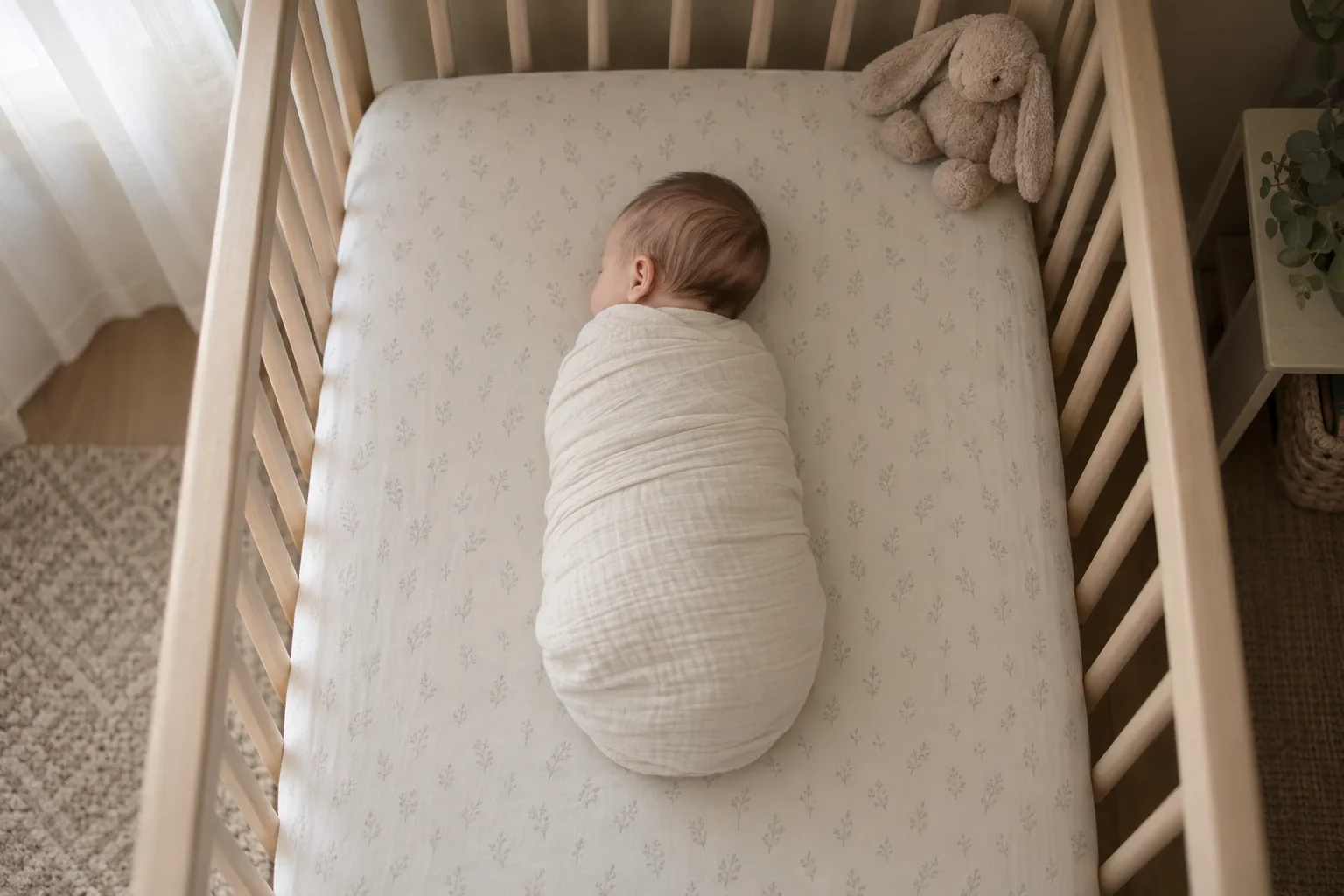
Baby monitors
How do I turn an old phone into a baby monitor?
Put a baby monitor app on the old phone, place it at least three feet from any part of the crib with its cord out of reach, keep it plugged in, and watch from your own phone, a browser or the TV. It takes about twenty minutes, and the phone you already own probably has a better camera than many monitors on the shelf.
Updated October 26, 2026
Why it works
That phone in the drawer is already most of a monitor.
A baby monitor is a camera, a microphone, a speaker and a connection to your home Wi-Fi. An old smartphone has all four, and the camera and microphone in a phone that cost a few hundred dollars a few years ago are often better than what comes in a budget monitor. What the phone is missing is the software that turns it into a monitor, and a safe place to sit.
This guide walks through both. It is written for Android phones, which make the most flexible camera, and it works whether or not you ever use FamilyView. The safety parts come straight from the U.S. Consumer Product Safety Commission and the American Academy of Pediatrics, because a monitor is only a good idea if it is set up in a way that keeps the baby safe.
One thing to say up front: a video monitor helps you see and hear the baby. It does not replace safe sleep. Health agencies are clear that heart, breathing and motion monitors are not effective at detecting or preventing SIDS, so the basics still come first: baby on their back, on a firm, flat surface, in a bare crib (NIH Safe to Sleep).
Step by step
How to turn an old phone into a baby monitor
You need the old phone, its charger, a phone stand or wall mount, and the phone or browser you will watch on.
- 1
Check the old phone still does the job
Charge it, turn it on, and open the camera. Look for a clean picture in a dim room and listen to a quick voice recording. A cracked screen does not matter, since nobody needs to look at it. A battery that no longer holds a charge does not matter much either, because the phone will live on its charger.
- 2
Update it, then clear it out
Open Settings and install any Android update the phone offers. Google notes that older devices can't always run newer Android versions, and you get security updates by staying on the latest version your phone supports (Android Help). Then remove apps you will not use on the monitor, especially social apps and games that send alerts all night.
- 3
Add a monitor app and choose this phone as the camera
Pick an app that lets only your family watch, shows no ads, and lets you watch from wherever you want to watch: your phone, a laptop, or the TV. Open it on the old phone and set that phone as the camera, then sign in on the phone you will watch from.
- 4
Give it only the permissions it needs
A monitor needs the camera and the microphone. It should not need your contacts or your location. On Android you can check this in Settings, Apps, the app, then Permissions (Android Help). Turn off anything that has nothing to do with watching the baby.
- 5
Put the camera in a safe spot, three feet back
The CPSC says to place monitor cords at least three feet away from any part of the crib, bassinet or play yard, and never to position a monitor inside or on the edge of a crib (CPSC). A phone on a charger counts. Use a wall mount or a tall dresser or shelf, angle the phone down so you can see the whole mattress, and run the charging cord along the wall where small hands cannot reach it.
- 6
Keep it plugged in and quiet
A camera that streams all night will drain any phone battery, so leave it on the charger. Turn the phone's own ringer and notification sounds off, so a text at 2 a.m. does not wake the baby, and turn the screen brightness all the way down if the app does not dim it for you.
- 7
Test it before the first real night
Turn the nursery lights off, walk to the room you will be in, and watch for a few minutes. Can you see the baby's whole sleep space? Can you hear a soft voice in the room? If your app has talk back, try it at a low volume. Check again after the first nap, when you can see what the real view looks like.
Compare
Old phone or a new monitor?
There is no single right answer. Here is how a spare phone compares with the two common kinds of store-bought monitors.
| Old phone with a monitor app | Video monitor with its own screen | Audio-only monitor | |
|---|---|---|---|
| Cost to start | A phone you already own, plus a mount | A new purchase | A new purchase, usually the cheapest kind |
| Where you can watch | Your phone, a browser, and with some apps the TV | The parent screen that came in the box | No picture, sound only |
| Picture quality | Depends on the phone, often very good | Depends on the model | None |
| Away from home | Depends on the app | Some models only work in the house | In the house only |
| Privacy to check | Who can watch, ads, account security | Whether it connects to the internet and how | Fewer concerns, no video |
| Cords near the crib | One charging cord, keep it 3+ feet away | Camera cord, keep it 3+ feet away | Unit cord, keep it 3+ feet away |
Whatever you choose, the CPSC three-foot rule applies to every corded monitor in the nursery.
Small things that matter
Tips from parents who have done it.
Dark rooms
Many older phones struggle in a pitch-black room. A dim night light out of the baby's eyeline usually gives the camera enough light without keeping anyone awake.
Look down, not across
A camera looking down from high on the wall or dresser shows the whole mattress. A camera at crib height shows the side of the crib and not much else.
Lock the old phone
Set a screen lock on the monitor phone. It sits in the nursery all day, and you do not want anyone who picks it up to have your old photos and accounts.
Strong Wi-Fi in the nursery
If the picture stutters, the nursery may be far from your router. Moving the router or adding a Wi-Fi extender helps more than any app setting.
Where FamilyView fits
A spare-phone monitor that only your family can see.
We built the FamilyView baby monitor for exactly this setup. Any spare Android phone is the camera. You watch on your own phone, in any web browser, or on the living room Samsung TV (2022 and newer, with FamilyView), so you can finally sit down for a show and still see the whole crib on the big screen.
Hold a button and your voice plays in the nursery, so you can shush from the couch. Luna Tunes plays soft lullabies in the room, and you can record your own voice between songs. Pause the camera with one tap when you want privacy, and the monitor always shows who is watching right now.
Only your family can watch. There are no ads, no public feed, and nothing about your family is ever sold. On your home Wi-Fi the monitor is free for 8 hours a day, forever, and on a long day you can move an hour from the rest of the month to today. If you want to check in from work or the store, every new family can watch from anywhere free for its first 30 days, and after that it is the Family plan, $14.99 a month. See every plan on the pricing page.
Questions parents ask about using an old phone
Can any old phone be a baby monitor?
Most Android phones that still turn on, charge and take a clear picture will work. Update it to the newest Android version it can run first, since that is how it gets security fixes (Android Help).
Does the old phone need a SIM card or a phone plan?
No. A monitor app needs the phone connected to your home Wi-Fi, not a phone plan. You can take the SIM card out.
Is it safe to leave a phone charging in the nursery all night?
Keep the phone and its charging cord at least three feet from any part of the crib, and never on or in the crib, which is the CPSC rule for every corded monitor (CPSC). Use the charger that came with the phone or one in good condition, and keep it out of reach.
Can I clip the phone to the crib rail?
The CPSC says never to position a monitor inside or on the edge of a crib, and to keep cords at least three feet away. Mount the phone on the wall or a tall dresser instead and angle it down.
Is a phone monitor free?
It can be. FamilyView is free on your home Wi-Fi for 8 hours a day, forever, with no ads. Watching away from home is on the Family plan, $14.99 a month after 30 free days.
Will a video monitor protect against SIDS?
No monitor does that. NIH Safe to Sleep says heart, breathing and motion monitors are not effective at detecting or preventing SIDS. Back to sleep, a firm flat surface and a bare crib are what lower the risk (Safe to Sleep).
Sources
- Infants and Toddlers Can Strangle in Baby Monitor Cords (CPSC Publication 5066), the three-foot rule and never on the edge of a crib
- Ways to Reduce Baby's Risk (NIH Safe to Sleep), safe sleep basics and what monitors cannot do
- A Parent's Guide to Safe Sleep (AAP, HealthyChildren.org), back to sleep, firm flat surface, bare crib
- Check & update your Android version (Android Help), security updates on older phones
- Change app permissions on your Android phone (Android Help), checking camera and microphone access
Your monitor is already in the drawer.
Set up the free FamilyView monitor with the old phone tonight. Free on home Wi-Fi forever, no ads, and only your family can watch.