
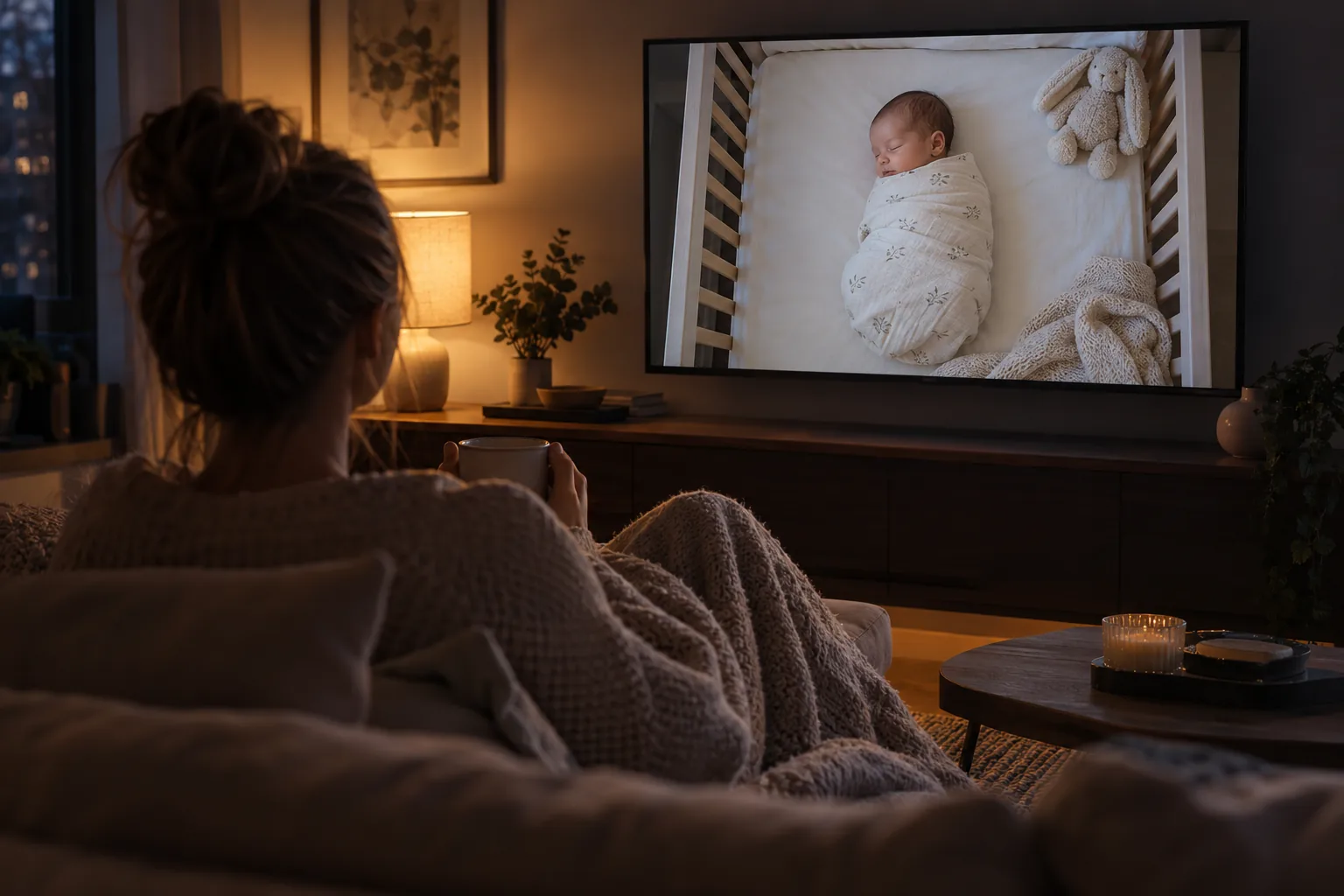
Baby monitors
What is the best baby monitor I can check from another state?
The best one is an internet-connected monitor that is built to work away from home, lets only your family watch, works on the phone and laptop you already carry, and lets you talk back. A spare-phone monitor like FamilyView does all four, with the camera on your home Wi-Fi and the picture on your phone wherever you are.
Updated October 26, 2026
The moment you want it
You are a thousand miles away, and it is nap time at home.
You are in a hotel room, or a conference hallway, or your desk at the office. Back home your partner, a grandparent or a sitter has the baby, and it is nap time. You are not worried exactly. You would just like to see her sleeping. Thirty seconds of looking at that little face is enough to get you through the afternoon.
That is what a remote monitor is for: a window home. It does not replace the adult who is with the baby, and it is not a safety device. Health agencies are clear that heart, breathing and motion monitors are not effective at detecting or preventing SIDS (NIH Safe to Sleep). But for the parent who is away, being able to look in is a real comfort.
Not every monitor can do it. Many store-bought monitors only work inside the house, between the camera and the parent screen that came in the box. Here is what to look for.
What to look for
Five things a long-distance monitor needs.
It works away from home
The monitor has to reach you over the internet, not only over home Wi-Fi. Check the product page for words like "away from home" or "anywhere", and whether that part costs extra.
It works on what you carry
On a trip you have a phone and maybe a laptop. A monitor you can open in a phone app or a web browser beats one tied to a single parent screen sitting at home.
Only your family can watch
The farther the picture travels, the more it matters who else can see it. Look for invite-only access and a way to see who is watching right now.
You can talk back
Being able to say a few words into the nursery, or to the person at home, turns looking into being there.
A locked-down account
The FTC recommends strong unique passwords, two-factor authentication where offered, and keeping devices updated for any connected camera (FTC).
A price you can stop
Away-from-home watching often costs money, because the video has to travel over the internet. Look for a monthly price you can cancel yourself, so you pay only for the months you travel.
Step by step
How to set up a monitor you can check from another state
- 1
Set it up before you leave
Do the setup at home, with the baby's room and your Wi-Fi in front of you. It is much harder to fix a camera angle from a hotel room.
- 2
Place the camera safely
Keep the camera and its cord at least three feet from any part of the crib, and never inside or on the edge of the crib (CPSC). Mount it high and angle it down so you see the whole mattress.
- 3
Make sure the nursery has strong Wi-Fi
Remote watching depends on your home internet. If the picture stutters in the house, it will stutter more from far away. Move the router or add an extender if the nursery is a weak spot.
- 4
Test from outside the house
Turn off Wi-Fi on your phone, so it uses mobile data, and open the monitor. That is what it will look like from the road. Then try it from a friend's house or your office.
- 5
Agree on the plan with the person at home
Tell your partner or the sitter when you are likely to look in, and that the monitor shows who is watching. Nobody should feel spied on, and nobody should be surprised by your voice in the nursery.
- 6
Lock the account down
Set a strong password you use nowhere else and turn on two-factor authentication if the app has it. Check the family list and remove anyone who no longer needs access.
Compare
Which kind of monitor works from another state?
| Kind of monitor | Works away from home? | Where you watch | What to watch out for |
|---|---|---|---|
| Audio monitor | No | The parent unit in the house | Range is the house |
| Video monitor with its own screen, no internet | No | The parent screen in the house | Range is the house |
| Wi-Fi camera monitor | Usually, check the plan | A phone app | Who can watch, account security, subscription |
| Spare-phone monitor app | Depends on the app and plan | A phone app, web browser, sometimes TV | Who can watch, ads, permissions |
Check each product's own page for whether away-from-home watching is included or costs extra.
Where FamilyView fits
The monitor follows you.
With the FamilyView baby monitor, any spare Android phone is the camera at home. On the Family plan, the monitor follows you: open the FamilyView app on your Android phone, or any web browser, and you see the nursery from the hotel, the office or the other side of the country. Hold a button and your voice plays in the nursery.
Only your family can watch, and the monitor shows who is watching at every moment, so the person at home always knows when you are looking in. No ads, no public feed, nothing sold. One tap pauses the camera.
The Family plan is $14.99 a month for the whole family, and it also lets you call the family's living room TV and send video messages, which helps on the nights you are away for bedtime (see for traveling parents). If you want a monitor that stays on with no time limits, Always-On is $19.99 a month. At home on Wi-Fi, the monitor is free for 8 hours a day, forever. Compare on the pricing page.
Questions about checking the baby from far away
Can I watch my baby monitor from another state?
Yes, with a monitor that works over the internet away from home. Many in-house monitors cannot. With FamilyView, watching away from home is on the Family plan, $14.99 a month (and every new family can watch from anywhere free for its first 30 days).
Does remote watching use a lot of my data?
Video uses mobile data when you are not on Wi-Fi. Use hotel or office Wi-Fi when you can, and check your phone plan if you will watch a lot.
Can I talk to my baby from far away?
With FamilyView, yes: hold a button and your voice plays in the nursery, wherever you are on the Family plan.
Will the person at home know I am watching?
With FamilyView, yes. The monitor shows who is watching at every moment.
Can grandparents in another state watch too?
With FamilyView, anyone you add to your family can watch, and nobody else. The monitor shows each person who is watching, so you always know who is looking in.
Is a remote monitor a replacement for someone at home?
No. A baby always needs an adult with them. A remote monitor lets you look in; it does not watch over the baby for you, and no monitor lowers SIDS risk (NIH Safe to Sleep).
Sources
- Ways to Reduce Baby's Risk (NIH Safe to Sleep), what monitors can and cannot do
- Infants and Toddlers Can Strangle in Baby Monitor Cords (CPSC Publication 5066), safe camera placement
- Securing Your Internet-Connected Devices at Home (FTC), account and camera security
Look in on the baby from wherever you are.
Start free on home Wi-Fi tonight. When you are ready to take the monitor with you, every new family can watch from anywhere free for its first 30 days, and after that the Family plan is month to month.